
Create a Gmail Account in 2026
Easy Step-by-Step Gmail Tutorial for Beginners
Step 1: Open Gmail Sign-Up Page
Visit the official Google account creation page:
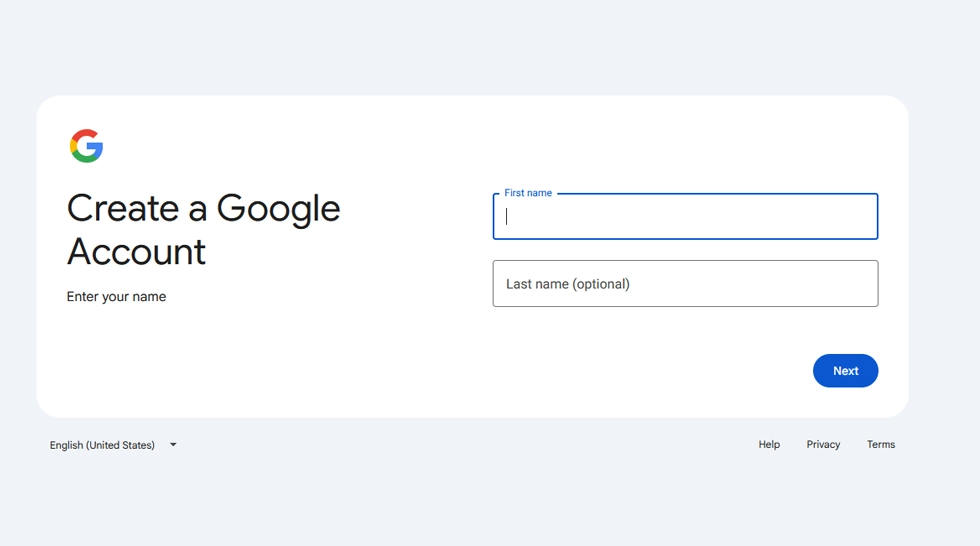
Step 2: Enter Your Name
- First Name
- Last Name
Click Next.
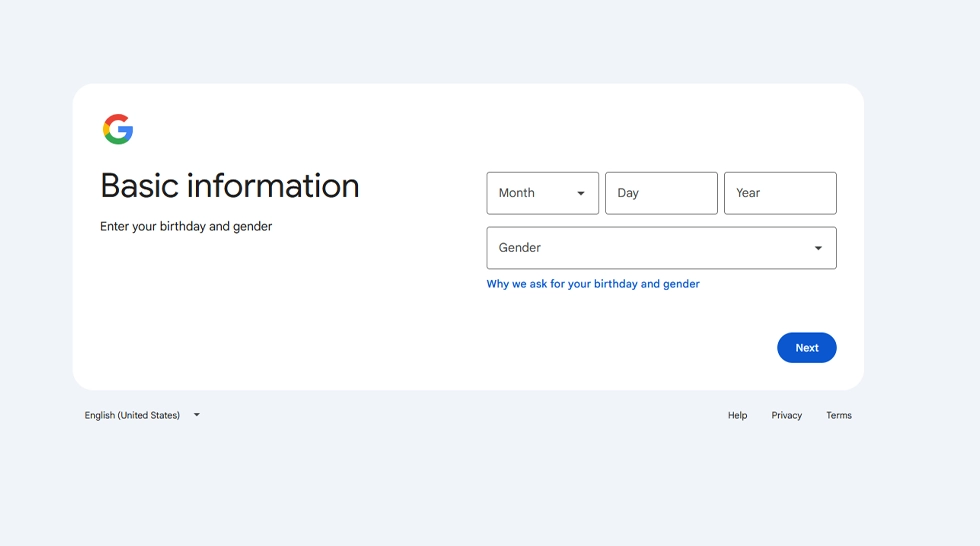
Step 3: Add Birthday & Gender
- Select your birth date
- Choose gender
Then click Next.
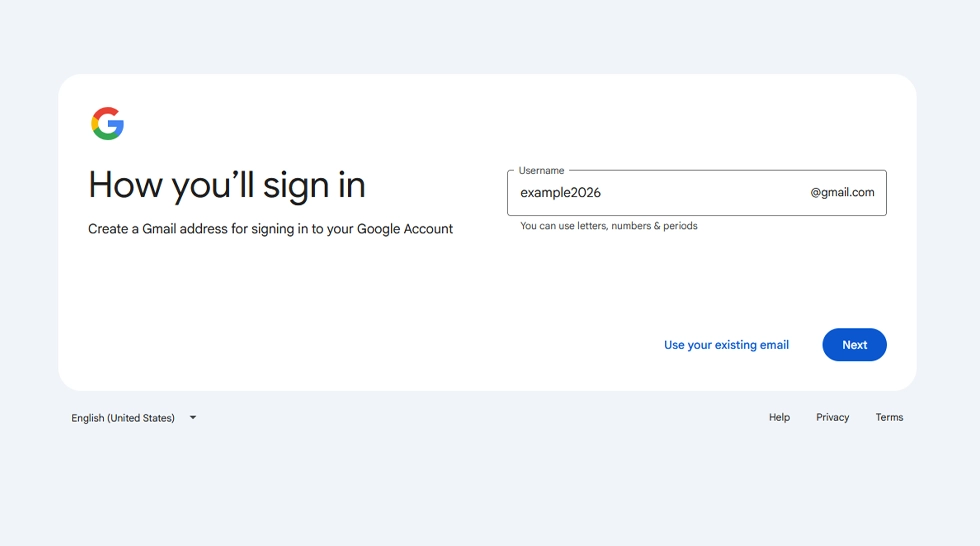
Step 4: Choose Gmail Address
Google will suggest usernames or you can create your own.
- example2026@gmail.com
- mybusinessmail@gmail.com
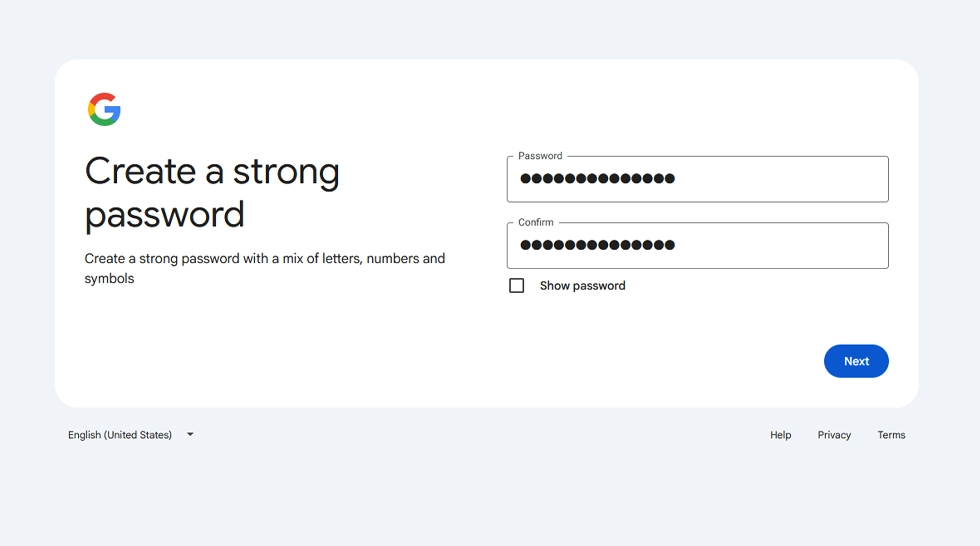
Step 5: Create Strong Password
Use:
- Uppercase letters
- Lowercase letters
- Numbers
- Symbols
Example: Design@2026Pro
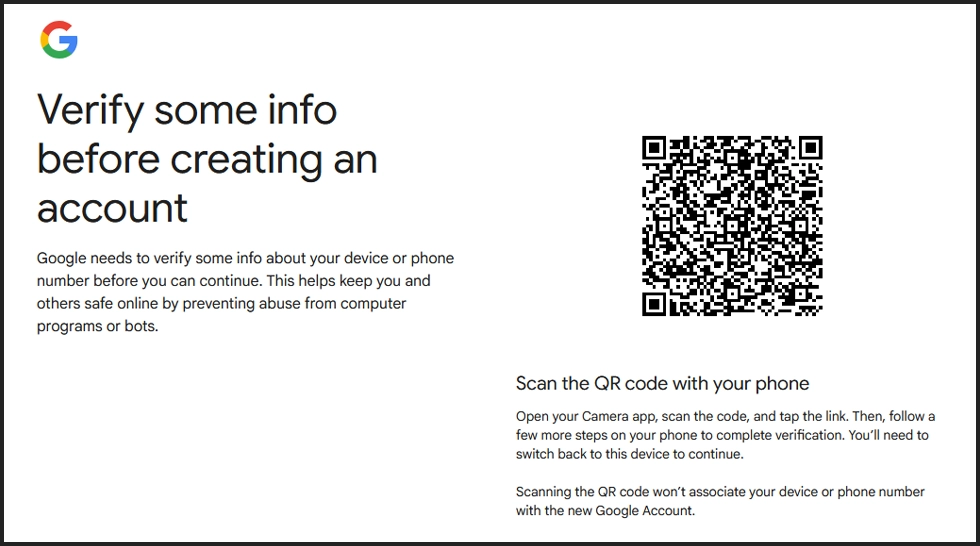
Step 6: Phone Verification
- Enter your phone number
- Receive OTP code
- Verify the code
Step 7: Recovery Email (Optional)
Add another email for password recovery and extra security.
Step 8: Accept Terms & Privacy
Read Google’s terms and click:
I Agree
Extra Security Tips
- Enable 2-Step Verification
- Never share your password
- Use recovery phone & email
- Sign out from public computers